

The world of digital entertainment is evolving rapidly, and IPTV (Internet Protocol Television) has become the future of home entertainment. Unlike traditional broadcasting, IPTV delivers television content over your internet connection, offering greater control, variety, and value. With IPTV, you can access thousands of live channels and on-demand content without being tied to a traditional cable or satellite service.
For those looking to enhance their streaming experience, the right IPTV service and app can make all the difference. This comprehensive guide will help you navigate the complex world of IPTV, comparing top applications, essential features, and setup procedures to find the perfect solution for your entertainment needs.
Key Takeaways
- Discover the top IPTV applications for seamless streaming.
- Learn about the essential features to look for in an IPTV service.
- Understand how to optimise your IPTV setup for buffer-free streaming.
- Explore the benefits of using IPTV over traditional broadcasting methods.
- Get guidance on choosing the right device for your IPTV needs.
Understanding IPTV Players and Their Rising Popularity
The rise of IPTV players has transformed the television landscape, providing users with unprecedented control over their viewing experience. As we delve into the world of IPTV, it’s essential to understand what these players are and how they differ from traditional TV services.
What is an IPTV Player?
An IPTV player is a specialised application designed to decode and display television content delivered via internet protocol. It serves as the essential interface between your streaming service and viewing device, allowing you to access thousands of live TV channels, video-on-demand libraries, and even radio stations through an M3U playlist. This playlist acts as a roadmap, directing your player to the desired content.
How IPTV Players Differ from Traditional TV Services
Unlike traditional cable or satellite services that require proprietary hardware and fixed schedules, IPTV players offer flexibility by working with standardised M3U playlists that can be used across multiple devices and platforms. The core technology behind IPTV players involves processing streaming protocols and metadata to organise thousands of channels into browsable categories with electronic programme guides for a familiar TV-like experience. Modern IPTV players also support advanced features like catch-up TV, video-on-demand libraries, and multi-screen viewing, making them an attractive option for cord-cutters and streaming enthusiasts.
By understanding IPTV players and their capabilities, you can make informed decisions about your television viewing experience and unlock a world of possibilities in the realm of streaming.
Essential Features to Look for in an IPTV Player Live
When selecting an IPTV player, it’s crucial to consider several key features that enhance your viewing experience. A comprehensive IPTV player should offer a range of functionalities to ensure a seamless and enjoyable streaming experience.
Electronic Program Guide (EPG) Support
An Electronic Program Guide (EPG) is a vital feature that provides programme schedules, descriptions, and the ability to plan your viewing or set recordings for future broadcasts. To utilise an EPG, your provider should supply an XMLTV EPG URL, which you can enter in your player’s settings area, such as in TiviMate: Settings > EPG > Add EPG Source. This will populate show titles, descriptions, and times, making it easier to navigate your channel list.
M3U Playlist Compatibility
M3U playlist compatibility is another essential feature, as it ensures your IPTV player can work with the industry-standard format for channel lists. The best players support both direct URL inputs and local file imports for maximum flexibility. For more information on setting up your IPTV player, you can refer to our ultimate guide to IPTV players.
Multi-Device Functionality
Multi-device functionality allows you to use a single IPTV subscription across multiple devices, including smartphones, tablets, smart TVs, and streaming boxes. Ideal players offer cloud synchronisation of favourites and viewing history, ensuring a consistent experience across all your devices.
Video Quality and Streaming Performance
The video quality capabilities of an IPTV player should include support for HD, Full HD, and 4K streams, along with adaptive bitrate technology that adjusts quality based on your network conditions to prevent buffering. Additional features like catch-up/timeshift functionality and recording capabilities can further enhance your streaming experience.
Top IPTV Player Live Applications for 2025
As we dive into 2025, the world of IPTV players continues to evolve with exciting new developments. The demand for flexible, feature-rich streaming solutions has led to a proliferation of IPTV applications, each offering unique benefits. When selecting an IPTV player, it’s crucial to consider factors such as device compatibility, channel list organisation, and additional features like recording capabilities or multi-screen viewing.
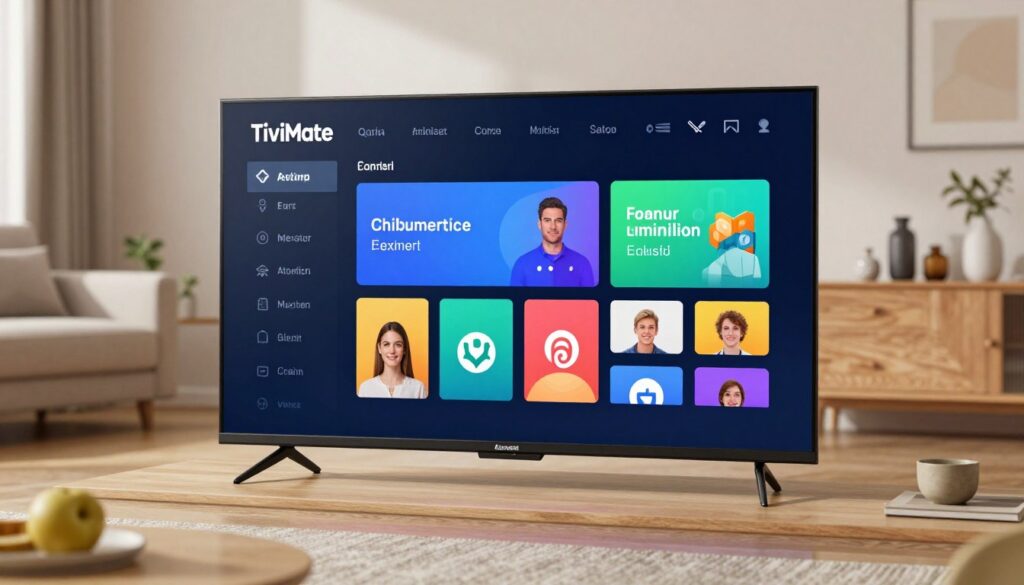
TiviMate Premium
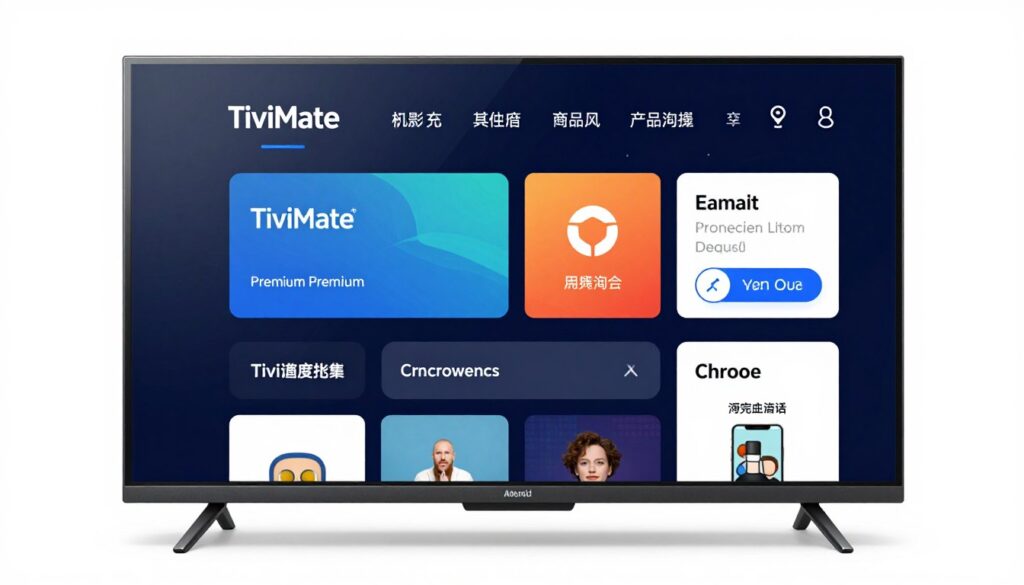
TiviMate Premium stands out as a gold standard for IPTV players in 2025, boasting an intuitive interface and advanced features. Its comprehensive EPG integration, recording capabilities, and customisation options make it an ideal choice for organising your channel list. With support for multi-screen viewing, TiviMate Premium offers a versatile viewing experience.
VLC Media Player
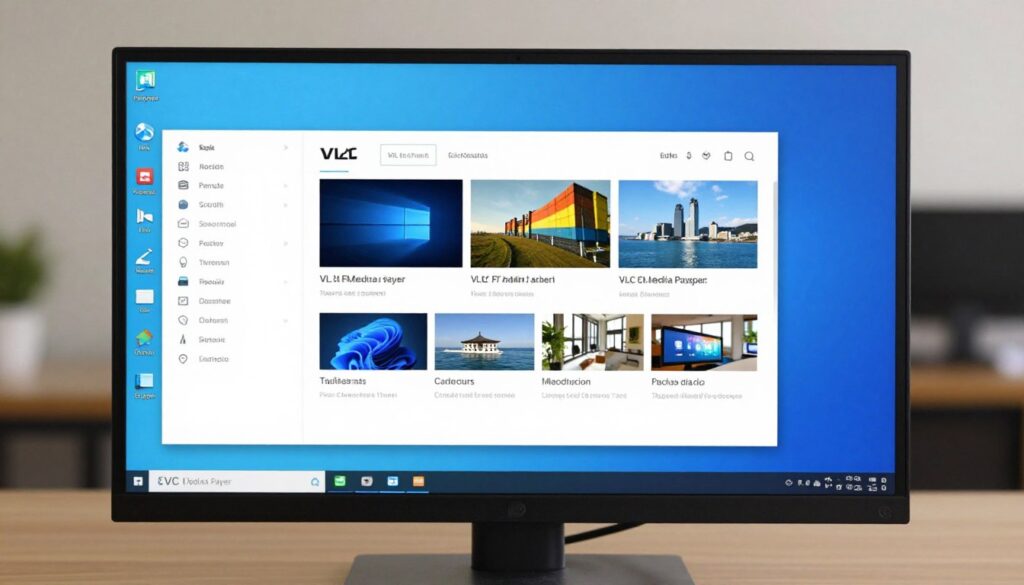
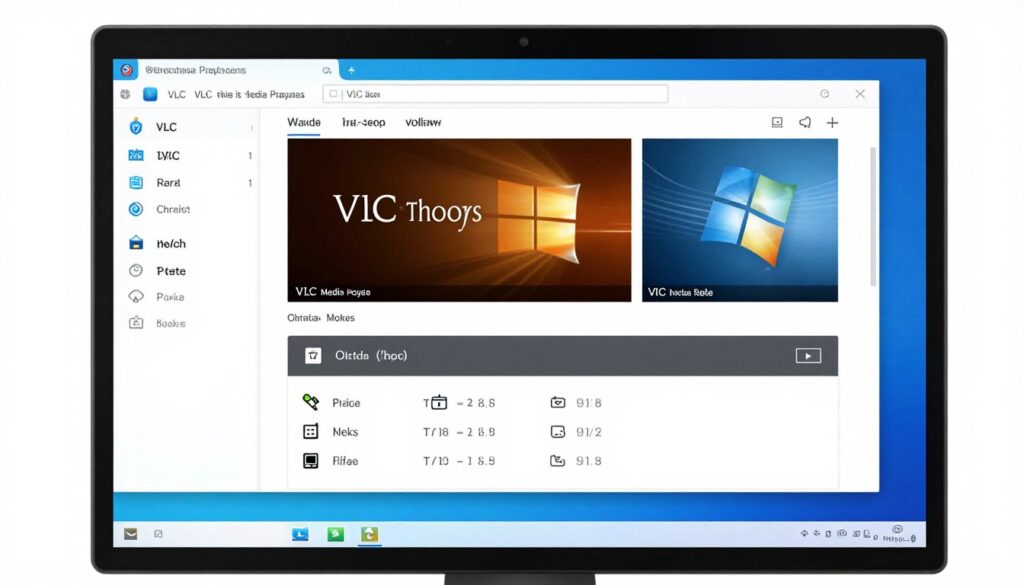
VLC Media Player remains a versatile and free option for IPTV streaming, supporting a wide range of operating systems. While it may lack some specialised features of dedicated IPTV applications, its cross-platform compatibility makes it an attractive choice for users needing flexibility. Simply paste your M3U URL into the “Open Network Stream” option to start streaming.
IPTV Smarters Pro
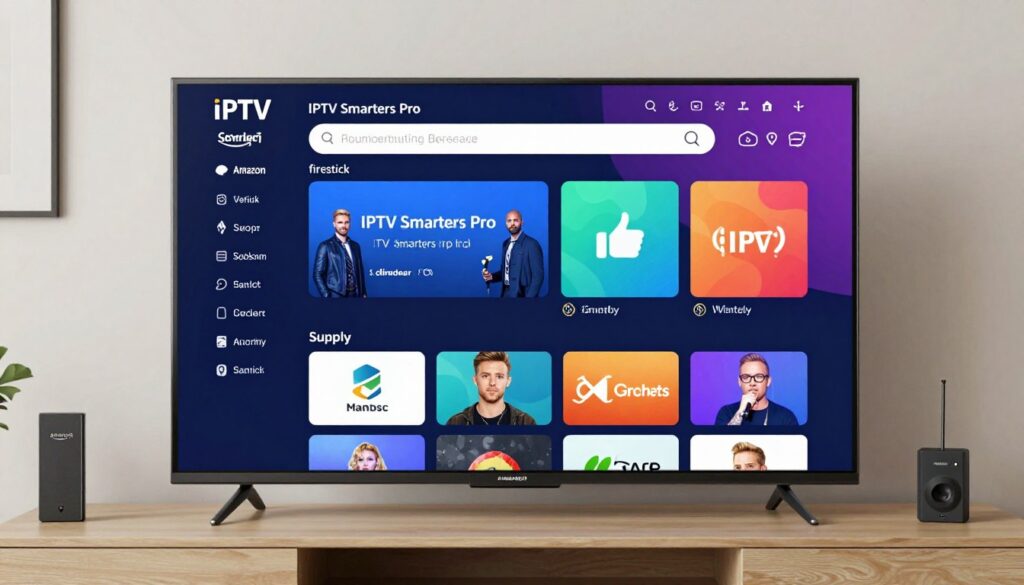
IPTV Smarters Pro delivers a polished experience, particularly well-suited for mobile devices and Amazon Firestick. It features catch-up TV functionality, VOD support, and an easy-to-navigate interface, making it straightforward to find sports events and movies. Its user-friendly design enhances the overall viewing experience.
OTT Navigator
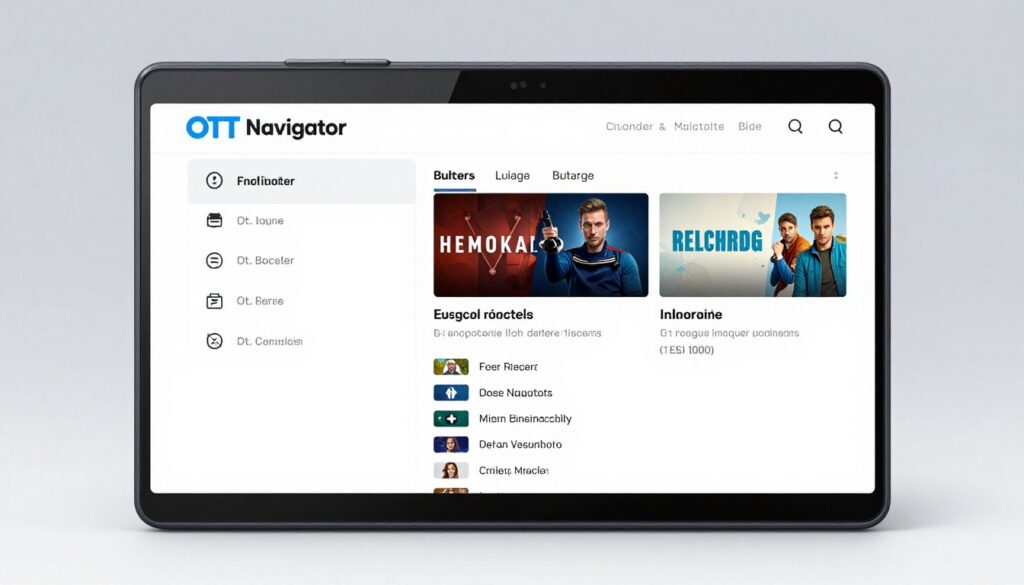
OTT Navigator has gained popularity for its exceptional performance with large channel lists. It offers unique features like channel grouping by content type, advanced search capabilities, and excellent EPG integration, enhancing the viewing experience. These features make it an excellent choice for users with extensive channel lists.
When choosing between these top IPTV player applications, consider your primary viewing device, the size of your channel list, and the importance of features like sports coverage, recording capabilities, or multi-screen viewing. Each application has its strengths, catering to different user preferences and viewing habits.
Best IPTV Players for Different Devices
In the realm of IPTV, the right player can make all the difference, and we’re here to guide you through the top choices for various devices. When selecting an IPTV player, it’s crucial to consider the device you’re using, as different players offer unique features tailored to specific platforms.
Top Choices for Android TV and Firestick
For Android TV and Firestick users, the selection of IPTV players is vast. TiviMate Premium stands out with its comprehensive feature set, offering a superior viewing experience. Other notable mentions include Perfect Player and IPTV Smarters Pro, which provide excellent alternatives with different interface styles and specialisations.
iOS and Apple TV Options
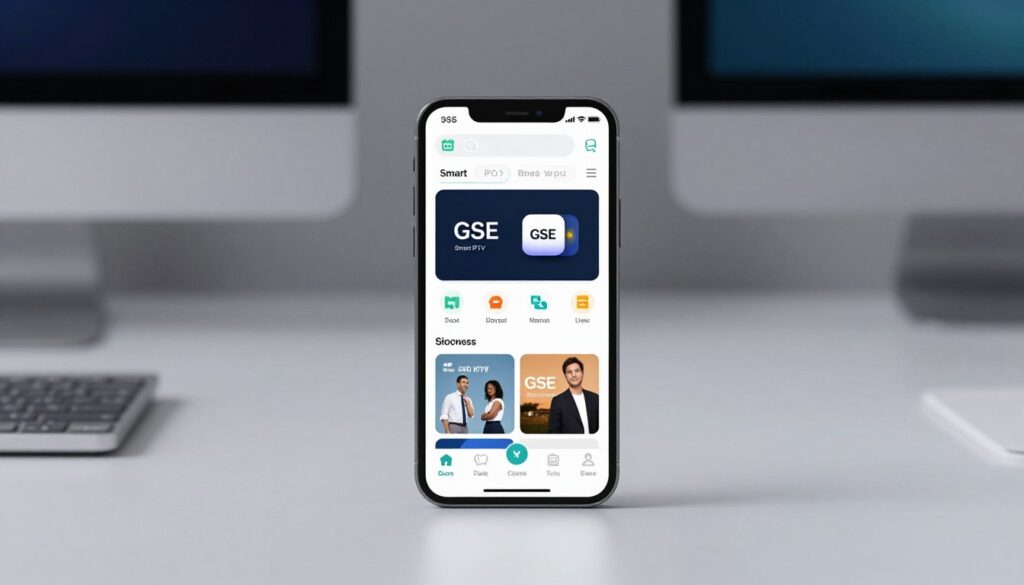
iOS and Apple TV users face more limitations due to App Store restrictions. However, apps like IPTV Streamer and GSE Smart IPTV offer solid solutions with AirPlay support and picture-in-picture functionality, allowing users to sync playlists across Apple devices.
Windows and Mac Solutions
For Windows and Mac users, dedicated applications like MyIPTV Player and Kodi with PVR IPTV Simple Client add-on are available. Versatile media players like VLC and Potplayer also support IPTV streams alongside other media formats, catering to diverse user needs and enhancing the viewing experience across different channels.
When choosing an IPTV player, consider factors beyond basic compatibility, such as optimised interfaces for your screen size and remote control support for TV devices. The best IPTV service providers now offer dedicated apps for premium subscribers, integrating directly with their channel lists and on-demand content.
Setting Up Your IPTV Player: A Step-by-Step Guide
Setting up your IPTV player is easier than you think, with a simple step-by-step process. To get started, you’ll need to follow a few key steps to ensure a smooth streaming experience.
Obtaining and Adding Your M3U Playlist
The first step in setting up any IPTV player is obtaining a valid M3U playlist URL from your service provider. This typically comes in the form of a direct link or can be accessed through Xtream Codes login credentials provided after subscribing. To add your playlist, navigate to the “Settings” or “Playlists” section of your IPTV player, select “Add Playlist” or “Add Source,” and enter your M3U URL or upload a local M3U file. For more information on IPTV players, you can visit this comprehensive guide.
Configuring EPG and Channel Organisation
Configuring the Electronic Programme Guide (EPG) requires entering the EPG URL provided by your service in the appropriate settings section. This will populate programme information and schedules for a more complete viewing experience. Organising your channels efficiently is also crucial; explore category options, create favourite lists for frequently watched channels, and use any available sorting features to arrange channels by name, number, or recently watched.
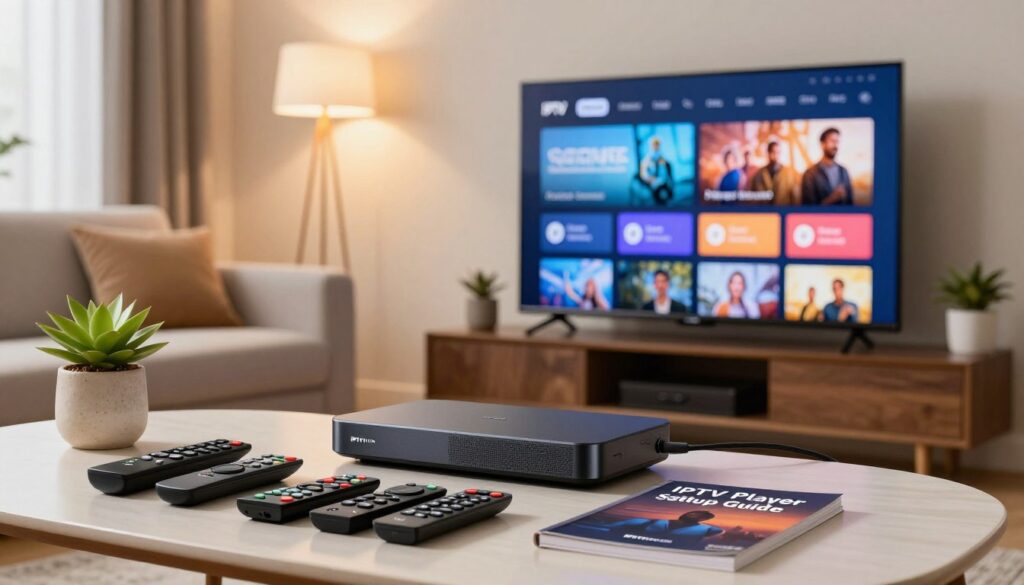
Optimising Network Settings for Smooth Streaming
Network optimisation is essential for smooth streaming. A wired connection is preferable to Wi-Fi where possible. Adjust your router’s QoS (Quality of Service) settings to prioritise your streaming device, and adjust buffer settings in your player based on your connection stability. For a reliable IPTV service, consider checking out IPTV reseller options.
| Setting | Description | Benefit |
|---|---|---|
| M3U Playlist URL | Direct link to your IPTV playlist | Easy access to your channels |
| EPG URL | Link to programme guide information | Enhanced viewing experience with programme schedules |
| QoS Settings | Router settings to prioritise streaming | Smooth, uninterrupted streaming |
Maximising Your IPTV Streaming Experience
To maximise your IPTV streaming experience, consider implementing a few key strategies that enhance both the quality and security of your streams.
Using a VPN for Enhanced Privacy and Access
Using a VPN with your IPTV service provides dual benefits: it enhances your privacy by encrypting your streaming traffic and can bypass ISP throttling that often targets streaming services during peak hours or major sports events. For more information on using IPTV with a VPN, visit Private Internet Access.
Regular Updates and Maintenance Tips
Regular updates are crucial for maintaining optimal performance. Keep both your IPTV player application and your device’s operating system current to benefit from bug fixes, security patches, and new features that enhance the streaming experience. Check out the ultimate guide to finding the best IPTV service in for more insights.
Troubleshooting Common Streaming Issues
Common streaming issues like buffering can often be resolved by adjusting buffer settings within your player, checking for network congestion during major sporting events, or switching to a different VPN server location. For a list of top IPTV providers and their features, visit IPTV UK.
Conclusion: Choosing the Right IPTV Player for Your Needs
As IPTV continues to gain popularity, understanding how to choose the best IPTV player for your needs is essential for cord-cutters and streaming enthusiasts alike. The right IPTV player can elevate your viewing experience, offering seamless access to your favourite channels and content on your preferred device.
When selecting an IPTV player, consider your primary viewing device, the types of content you watch most frequently—such as sports, movies, or international channels—and the features that matter most to you. For a superior experience, look for players with high-quality streaming, robust EPG support, and regular updates.
For more insights on finding the best IPTV service, you can refer to The Ultimate Guide to Finding the Best IPTV Service in or explore how to Choose the Right App for Streaming. By making an informed choice, you can get started with a streaming experience that meets your demands.